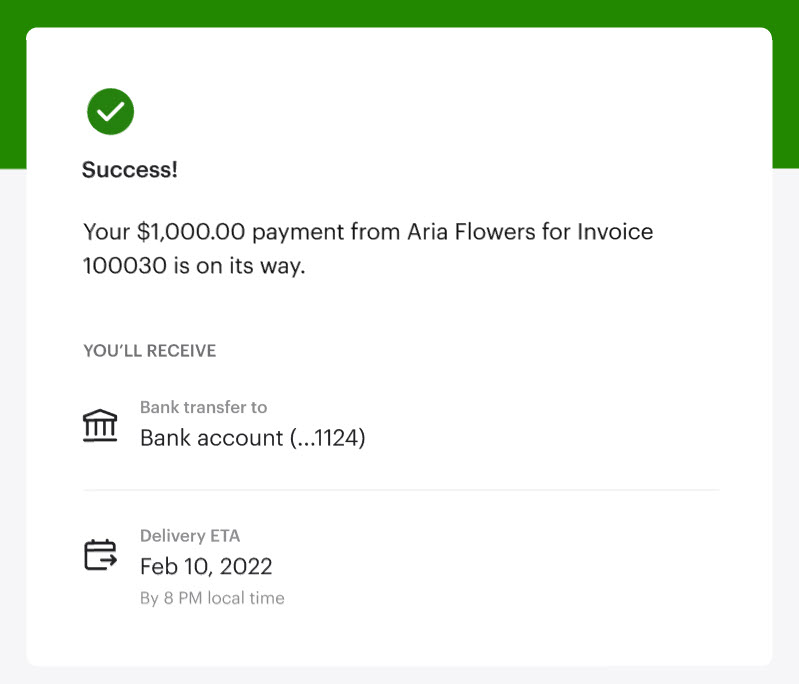
You’ve received an email from your customer that they made a payment to you through Pay Bills.
Here’s how to successfully and securely accept it:
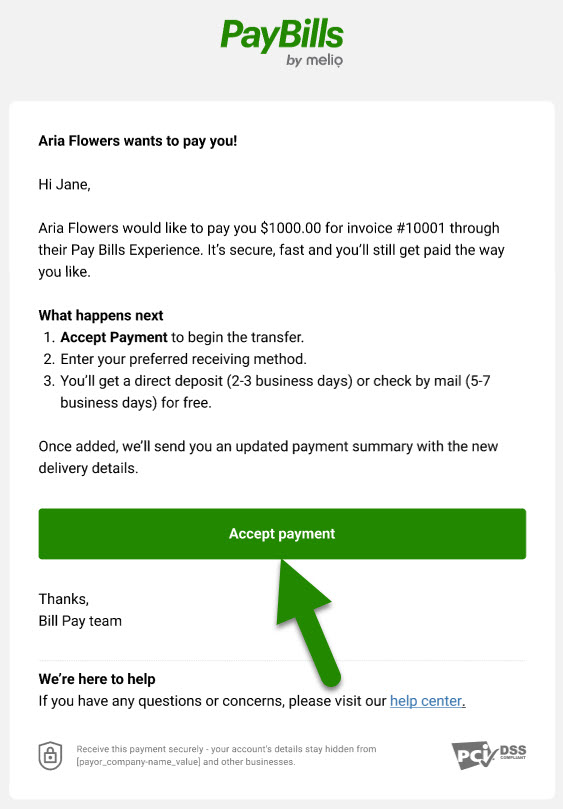
1. In the email, click Accept Payment.
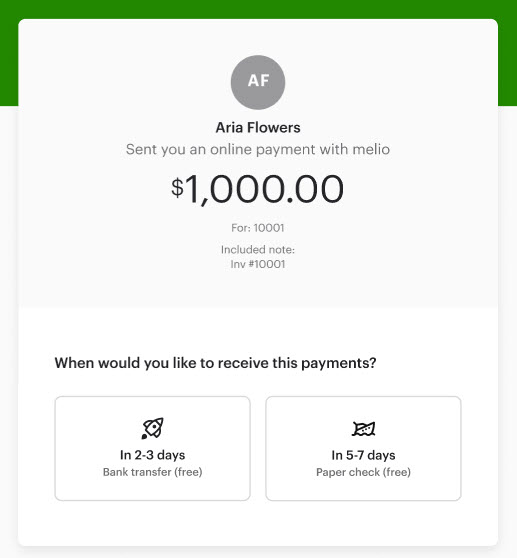
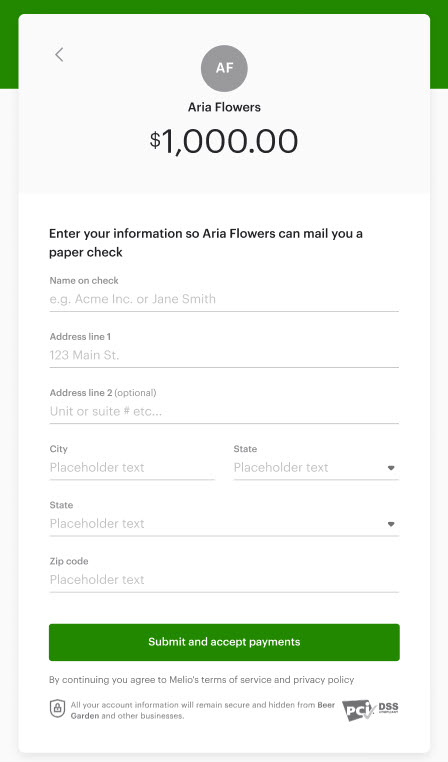
2. Decide how you want to get paid - directly to your bank account or by paper check.
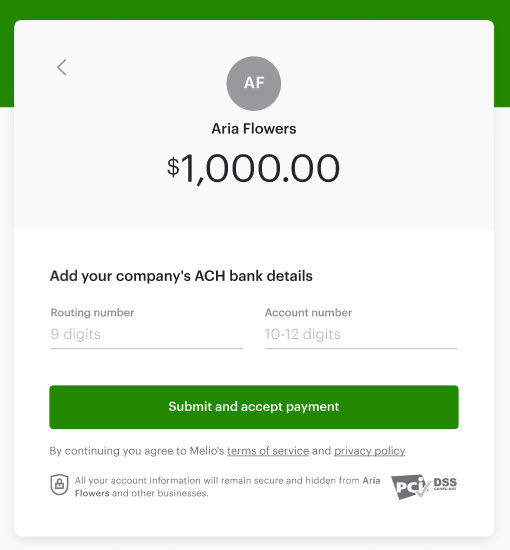
a. Selected bank account? Fill in your routing number and account number. Click Save details.
b. Selected paper check? Fill in your mailing address.
That’s it! The payment is on its way and your customer will get an email from us letting them know you’ve accepted their payment.